@maya
Thursday
Problem sets until the library closed.
1:42:10
84% focused
- Study 62%
- Break 18%
- Distracted 12%
- Away 8%
12-day streak
Duration, focus %, and a subject split.
Example
1:42:10
Thursday afternoon
84% focused
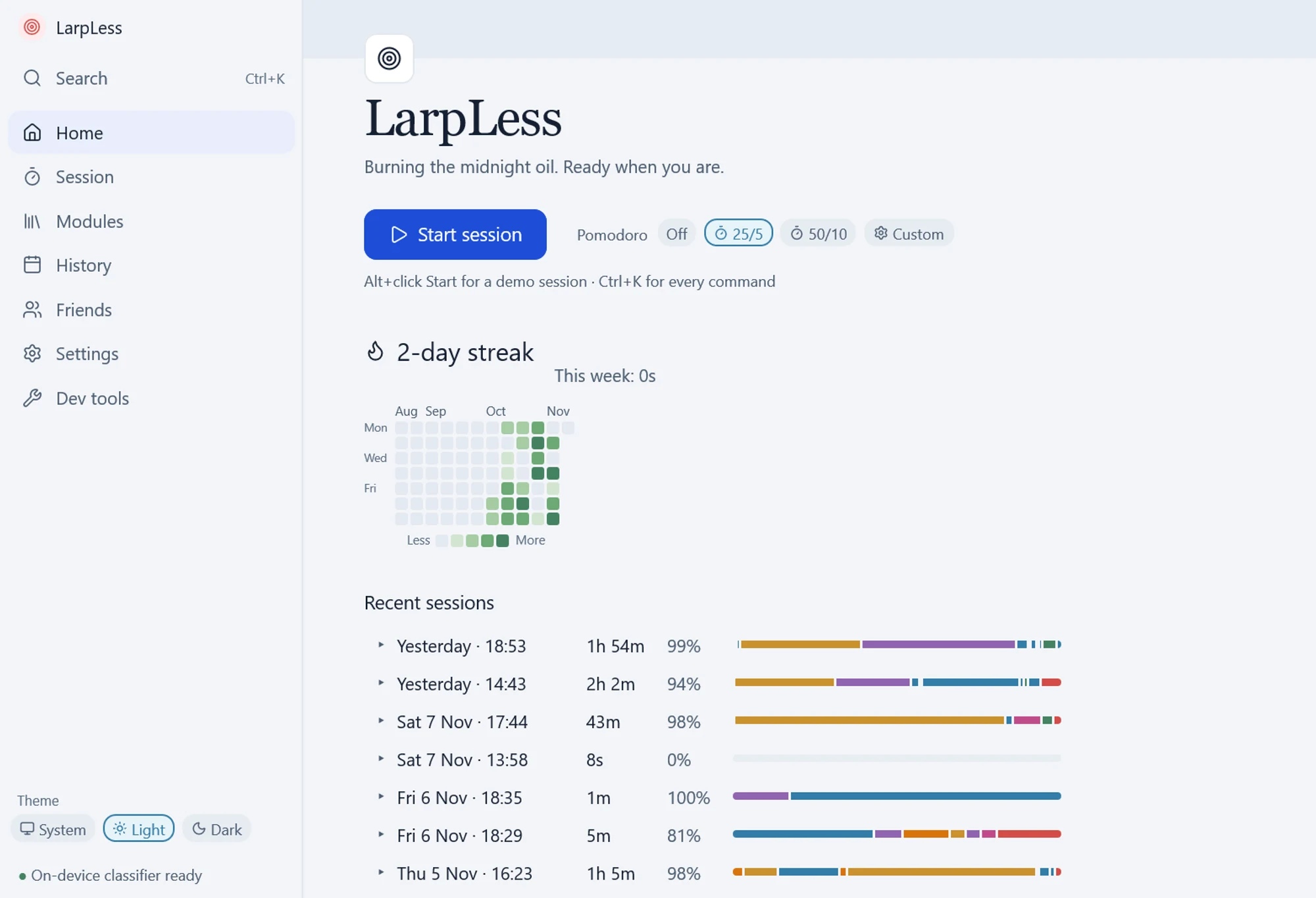
Hover a colour to see its minutes. Study splits into subjects. Tap a colour to see its minutes. Study splits into subjects.
Using the screen, the camera and the window titles.
Known distractions and study tools are recognised from the app and window title alone. Otherwise a screenshot is read by an AI model on your computer, which judges what's on screen: a YouTube lecture counts as study, YouTube Shorts don't.
Every second, an on-device vision model checks that you're there and looks for a phone. You are marked as distracted if you have your phone at hand or marked away if you are away.
Green means the screen looks like study.
Everything runs on your device using on-device AI models.
Screenshots and camera frames only exist in memory while they're analysed, then they're discarded. They're never written to disk.
A study session is analysed completely offline using a local AI model on your device, so your screen and camera never reach the internet.
Only the analysis of what you did during your study session is stored on your device. No screenshots, camera frames, or even window titles are stored.
Only your score and its breakdown is shared when you choose to share your session.
Post your score. Let your friends keep you accountable.
@maya
Thursday
Problem sets until the library closed.
1:42:10
84% focused
12-day streak
@leo
Wednesday
Back at the essay.
54:20
71% focused
4-day streak
LarpLess v0.1.0 is out for macOS. The Windows version is on its way, watch the project repository on GitHub to be notified when it is released.
For the Windows release, on GitHub choose Watch, then Custom, then Releases.
git clone https://github.com/AlperErg/larpless.git
cd larpless
./larpless/scripts/fresh-run-mac.sh 8081
git clone https://github.com/AlperErg/larpless.git
cd larpless\larpless; npm ci
powershell -ExecutionPolicy Bypass -File scripts\run-windows.ps1